Translation Tips·Productivity·Product Updates
Practical guides, product updates, and translation tips from AnyDoc to boost your cross-language workflow
Product Updates
Right-click Google Scholar translation and more Vimeo entry points
Track updates in one place, experience fewer interruptions, and start academic and video translations faster.
Switch subtitle languages in-panel and continue translation after login
Switch languages faster, spend less time choosing models, and continue translation without starting over after sign-in.
All Articles

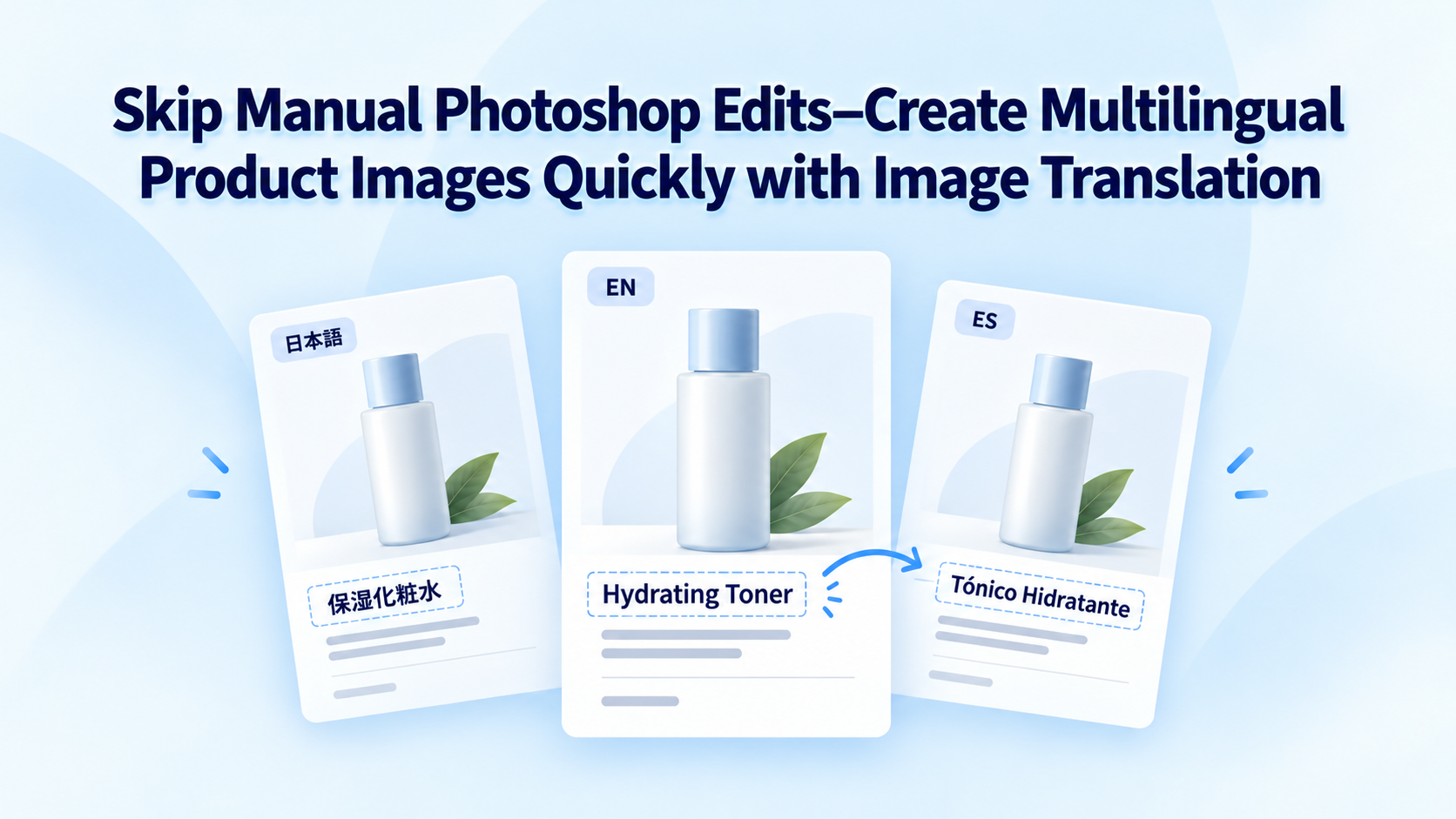
Skip Manual Photoshop Edits: Create Multilingual Product Images with Image Translation
Still editing marketplace product images language by language in Photoshop? Compare image translation vs manual rework, and see how AnyDocTranslator batch-translates product images while keeping layout and auto-fitting text.

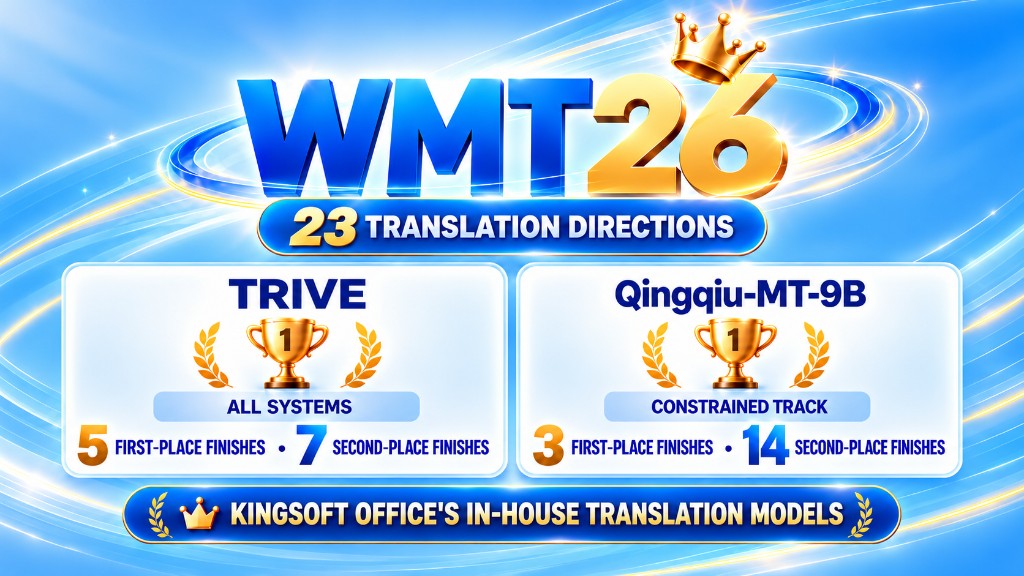
Kingsoft Office Translation Models Rank First in Multiple WMT26 Directions
Kingsoft Office self-developed models TRIVE and Qingqiu-MT-9B ranked near the top in multiple WMT26 machine translation directions. See the results and how they power AnyDocTranslator document, webpage, PDF, and academic translation.

How to Make Chinese-to-English Sound Natural: A Practical Guide
Chinese-to-English always sounds stiff? This guide starts from how Chinese and English differ, covers work email, résumés, and social copy, and walks through translating Chinese PDFs and documents into English with AnyDocTranslator for more natural results.

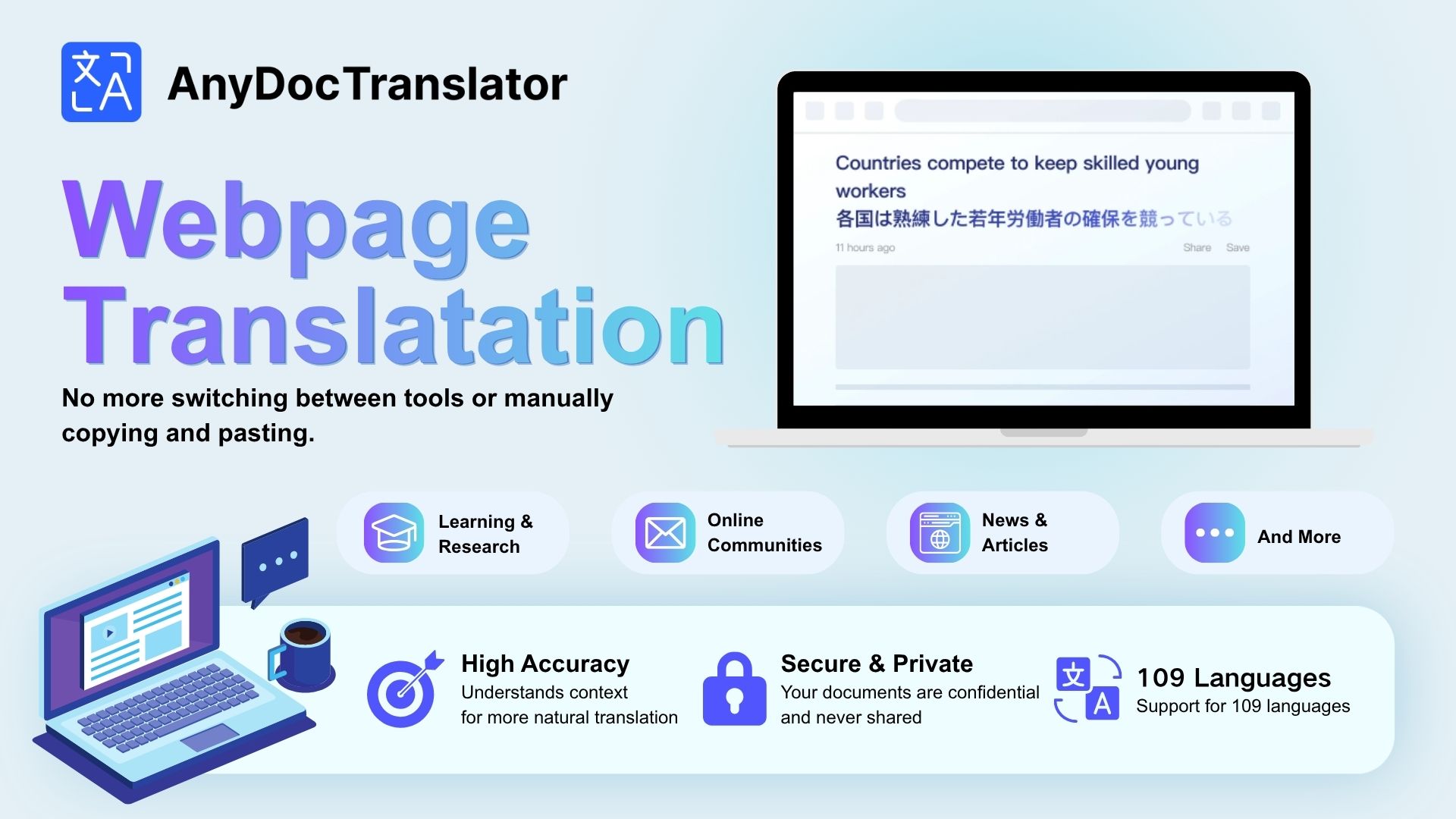
How to Translate Foreign Webpages: 3 Chinese–English Methods and When to Use Them
What are the ways to translate Chinese and English webpages? This guide splits webpage translation into full-page, selection, and copy-text methods, explains Chinese↔English scenarios, and shows how to pick the easiest approach with AnyDocTranslator.

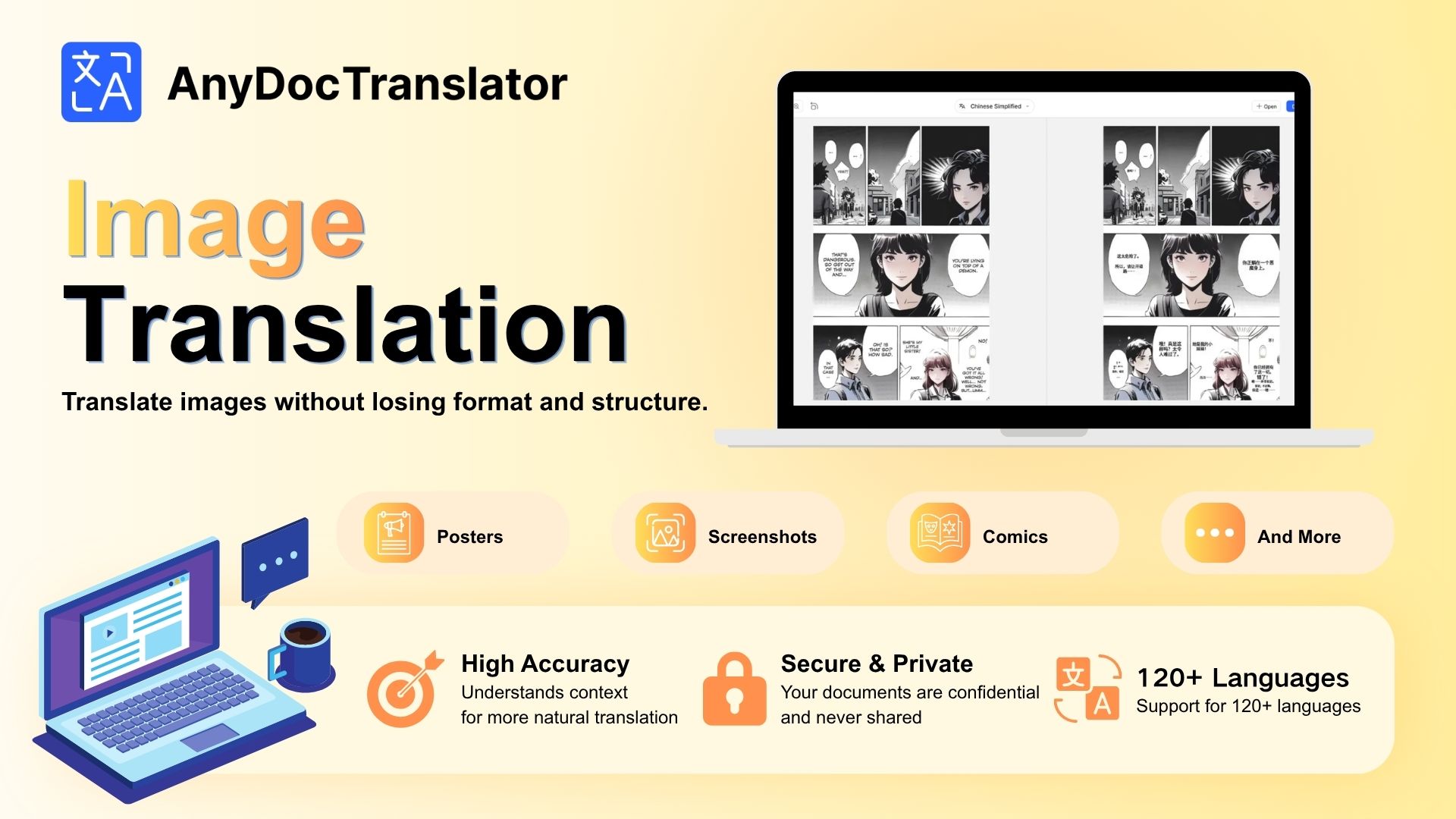
Can't Read Text on Overseas Product Photos? Use Image Translation
Can't read ingredients, materials, or tips on overseas product photos? Learn how image translation differs from plain text translation, and how AnyDocTranslator helps you get key text from shopping images.

How to Handle Foreign Documents at Work: Word, PDF, PPT Translation Guide
Got a foreign contract, product manual, or PPT at work? Learn how document translation differs from plain text translation, and how AnyDocTranslator helps with Word, PDF, and PPT files.

WWDC 2026 Recap: How AnyDocTranslator Subtitle Translation Helps You Follow Apple's Keynote
Can't keep up with the English at WWDC 2026? This recap covers what to expect from Apple's developer conference and how AnyDocTranslator subtitle translation lowers the barrier—so you can watch live and follow along in Chinese.

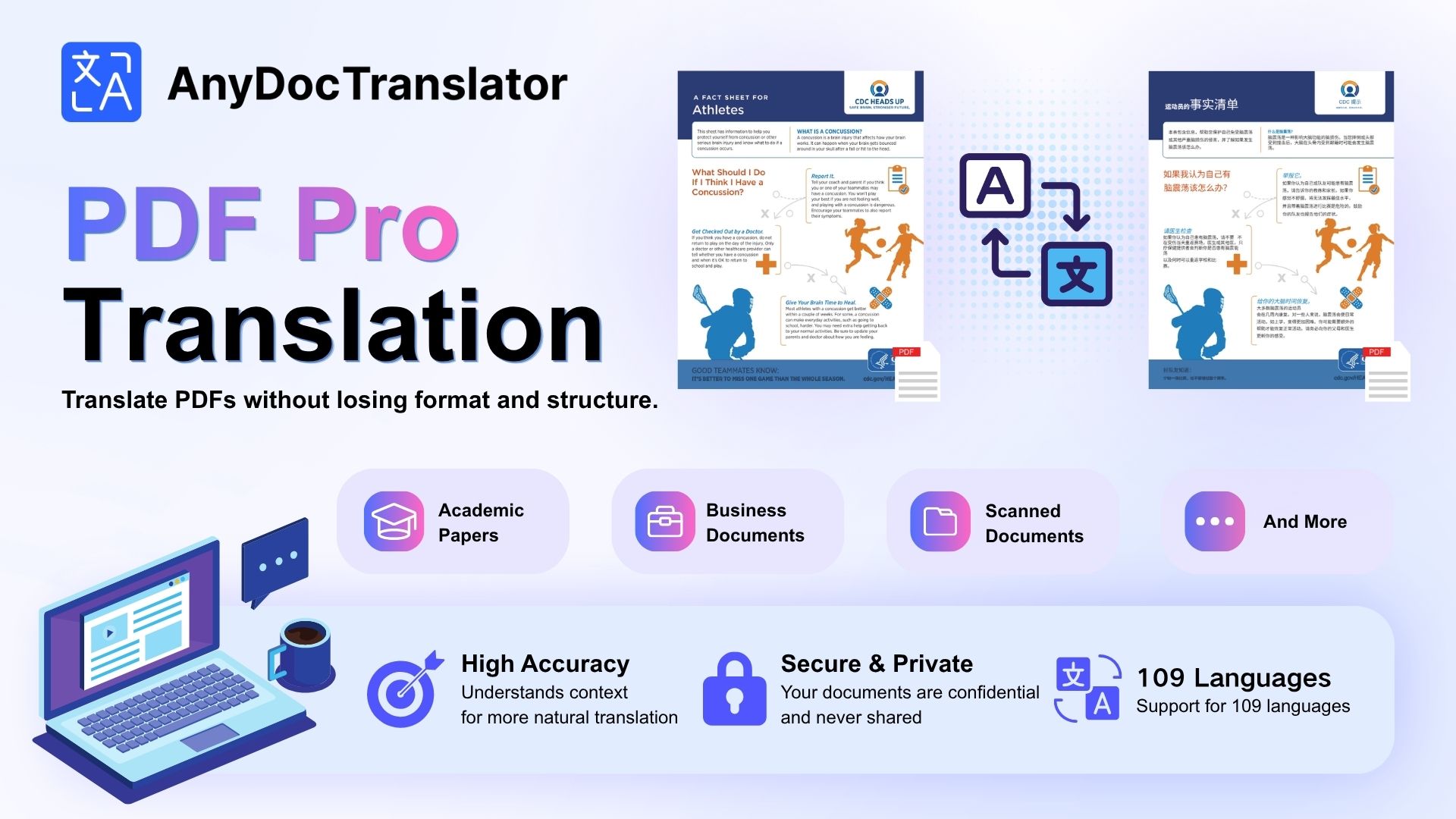
PDF Translation Layout Keeps Breaking? Fix the Root Causes First, Then Use AnyDocTranslator to Cut Rework
PDF translation mangling layout, breaking tables, or losing formulas? This article breaks down five root causes of PDF formatting issues, walks through a practical workflow from tool choice to export settings, and shows how AnyDocTranslator helps you translate with formatting intact.

How to Choose a PDF Translator Extension: A 2026 Chrome Pitfalls Guide
How do you pick a Chrome PDF translator extension in 2026 without getting burned? Use these five hard criteria—file upload, layout retention, privacy permissions, and more—to filter weak options, and see how AnyDocTranslator supports PDF translation with bilingual side-by-side reading.